
QUEDEJAPON
NEC PCE - Interfaz IFU 30 - Sistema de CD ROM - Coincidencia de serie - (NTSC-J JAPAN)
Precio habitual
€399,00
Precio habitual
€399,00
Precio de oferta
€399,00
Precio unitario
/
por
Impuestos incluidos.
Los gastos de envío se calculan en la pantalla de pago.
No se pudo cargar la disponibilidad de retiro
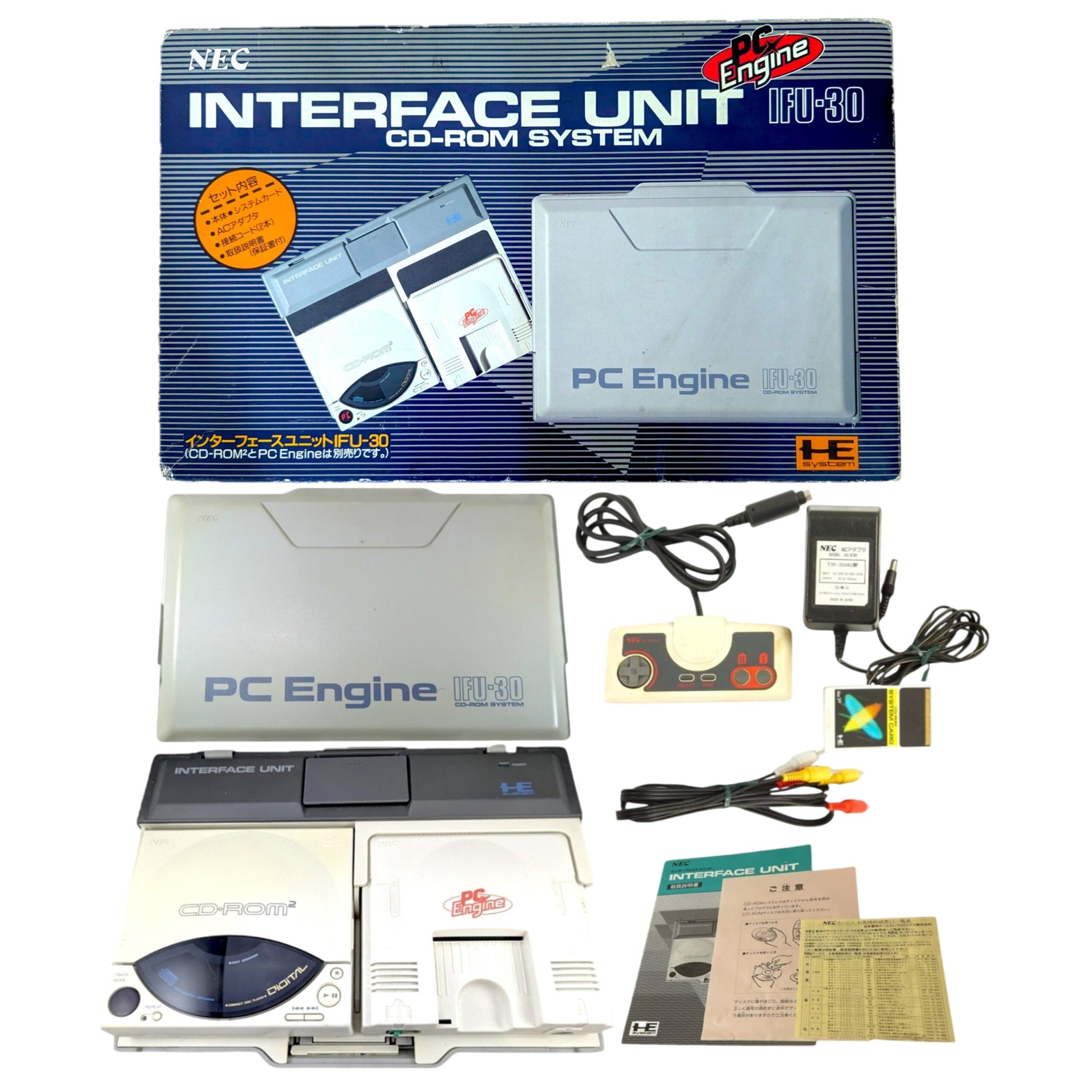
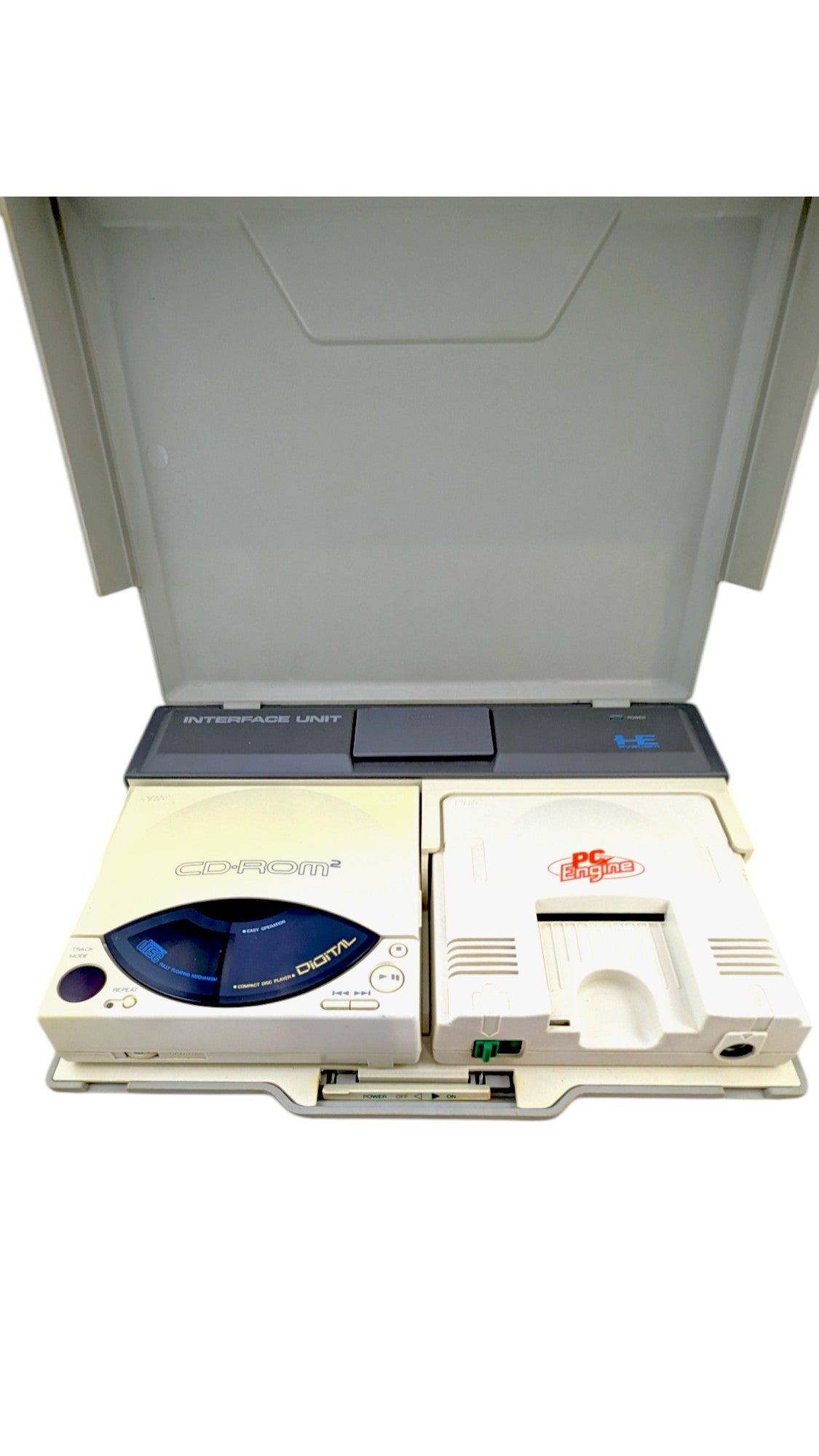
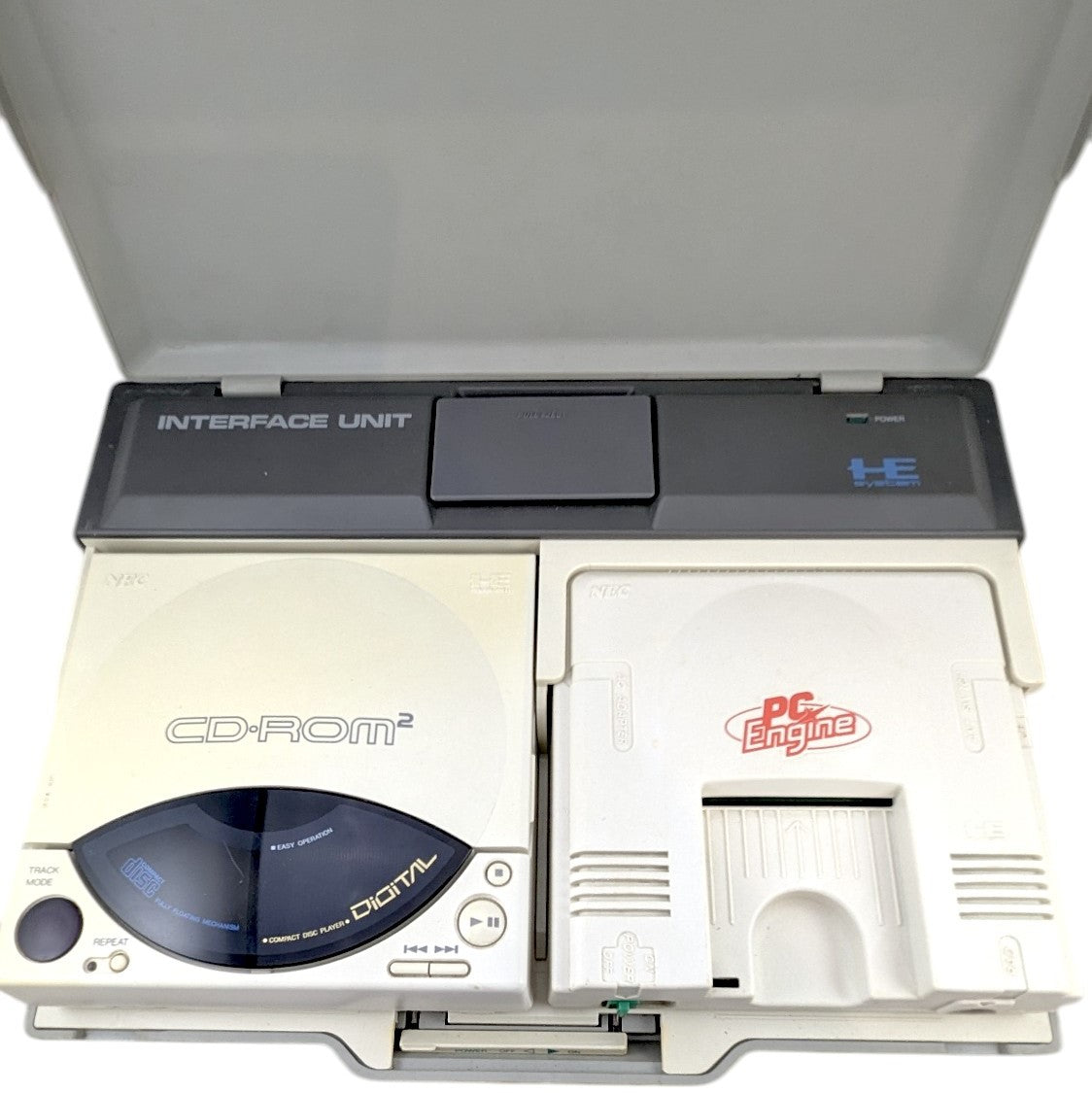
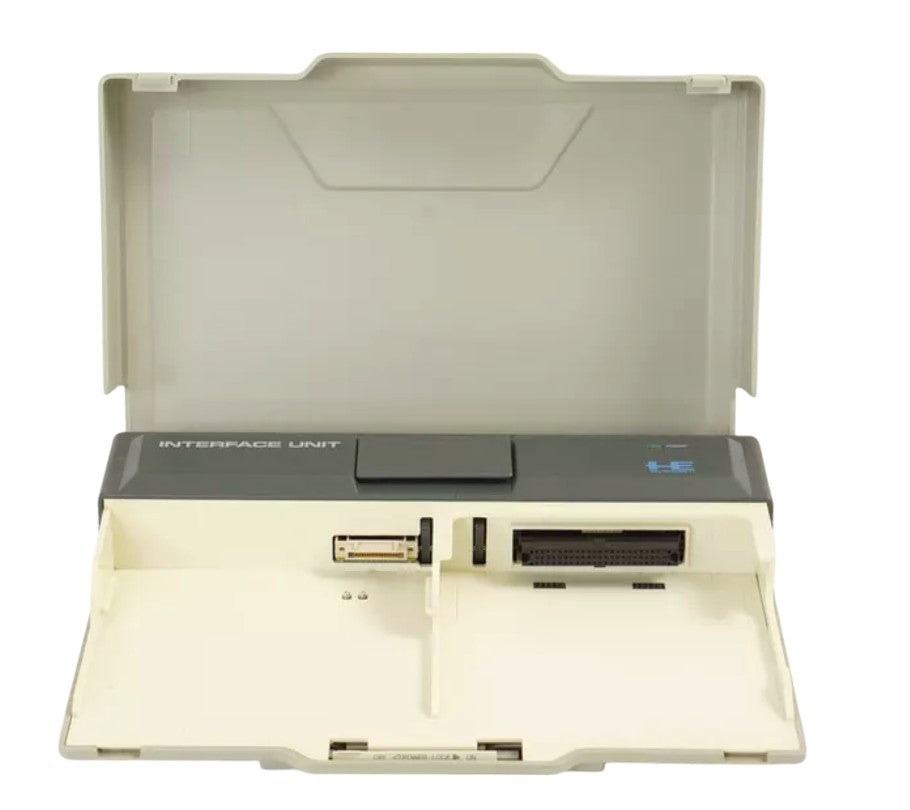
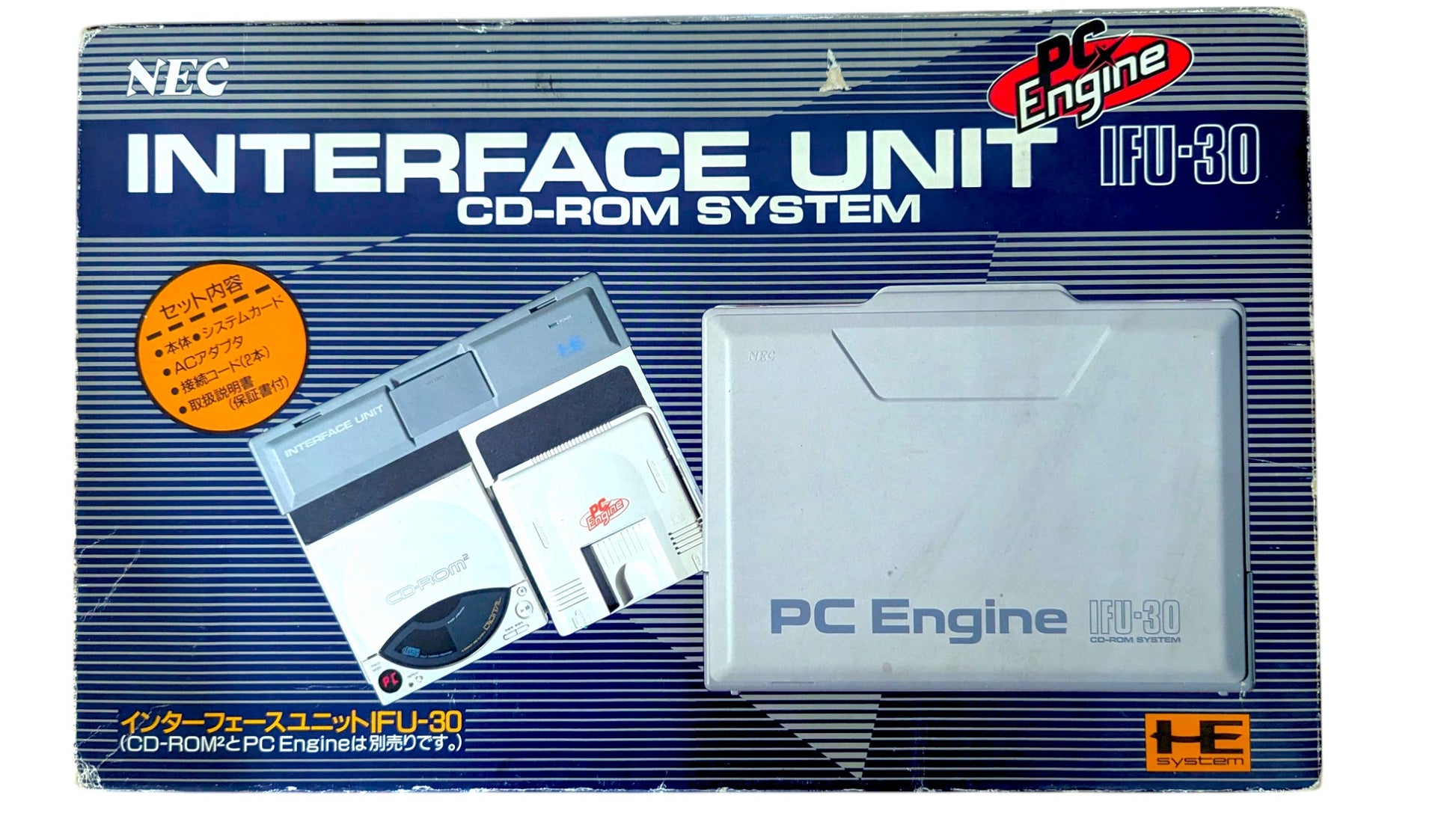
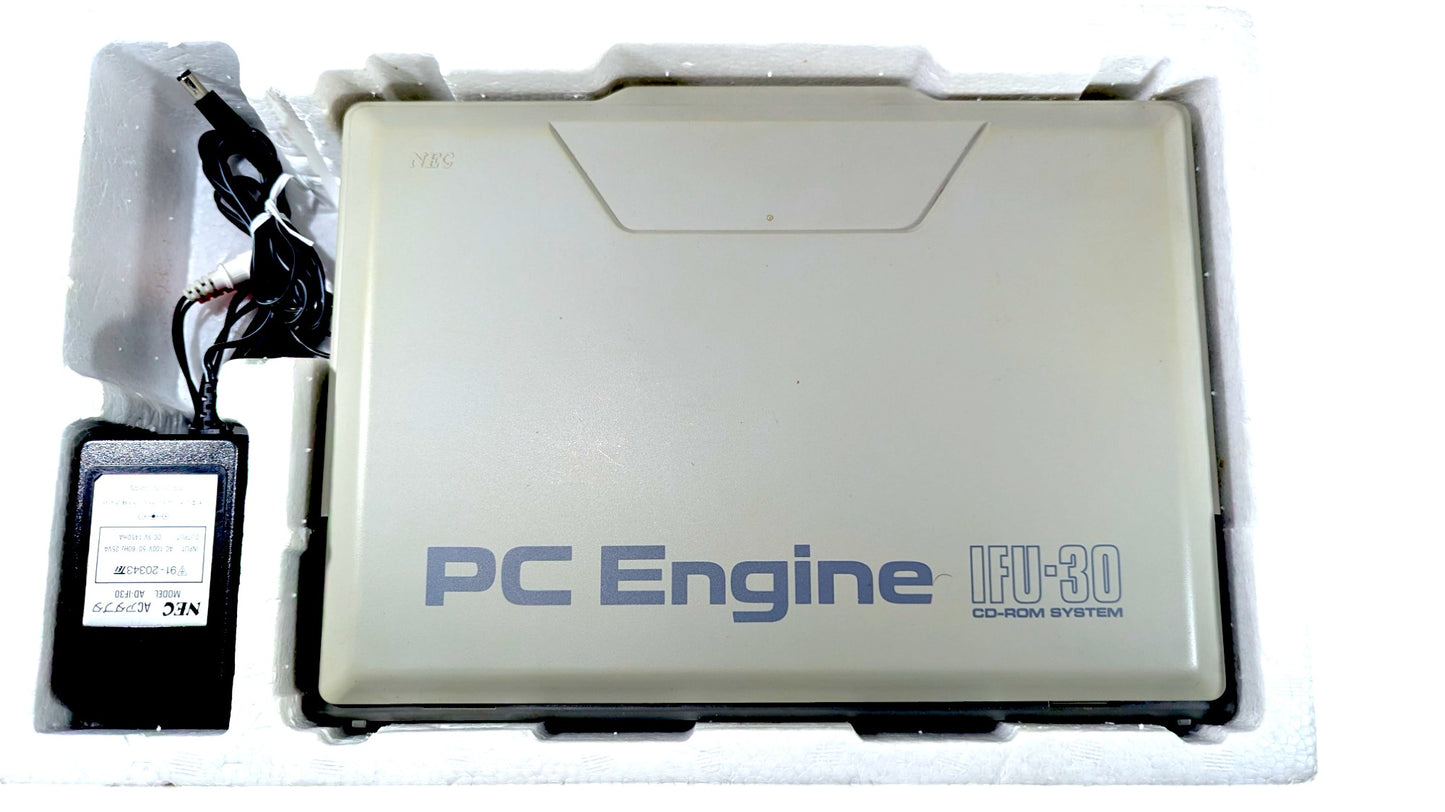
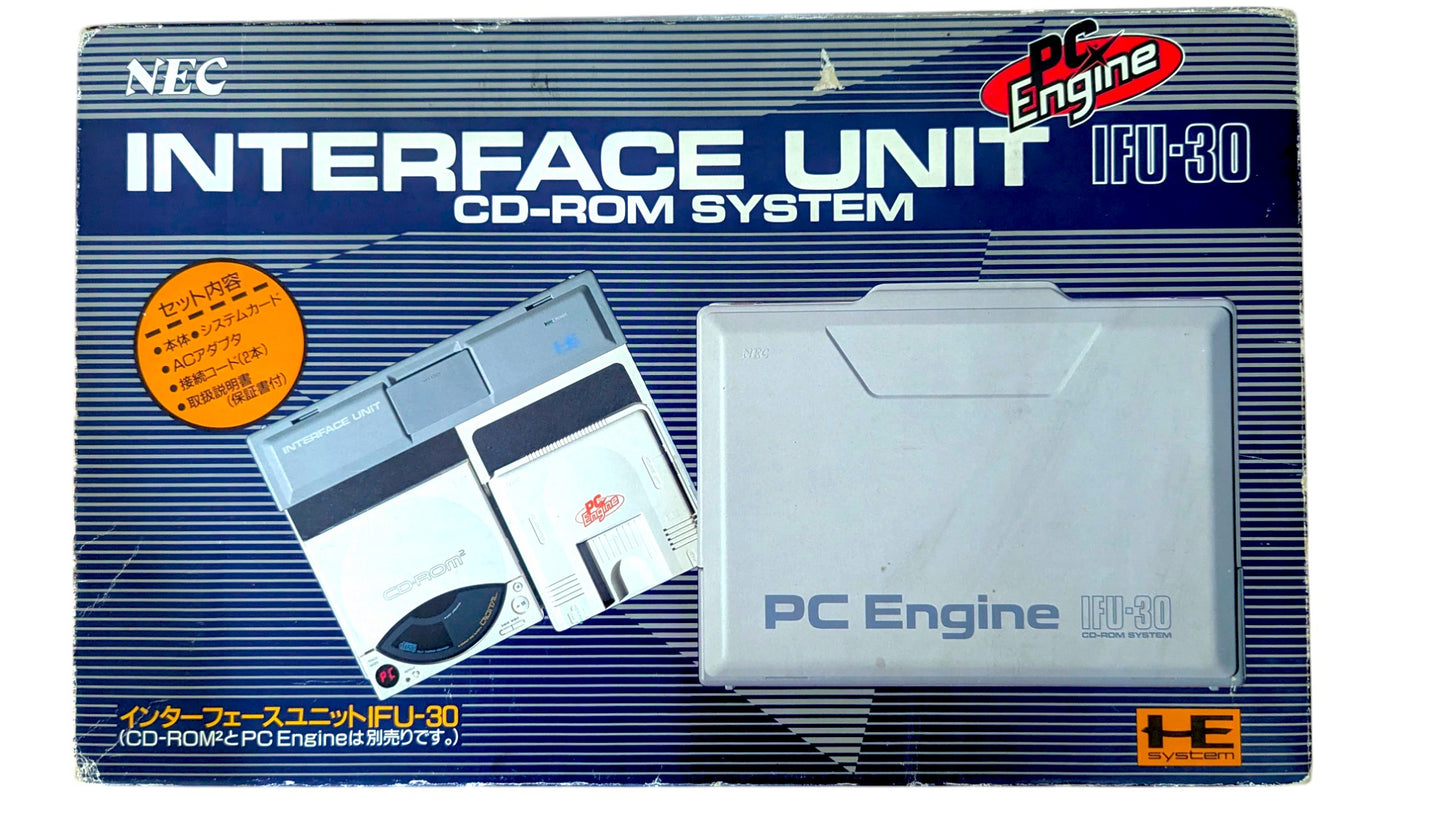
NEC PCE - Interfaz IFU 30 - SISTEMA CD ROM 2 con unidad PCE, controlador y sistema de tarjeta V1.0.
COINCIDENCIA SERIAL
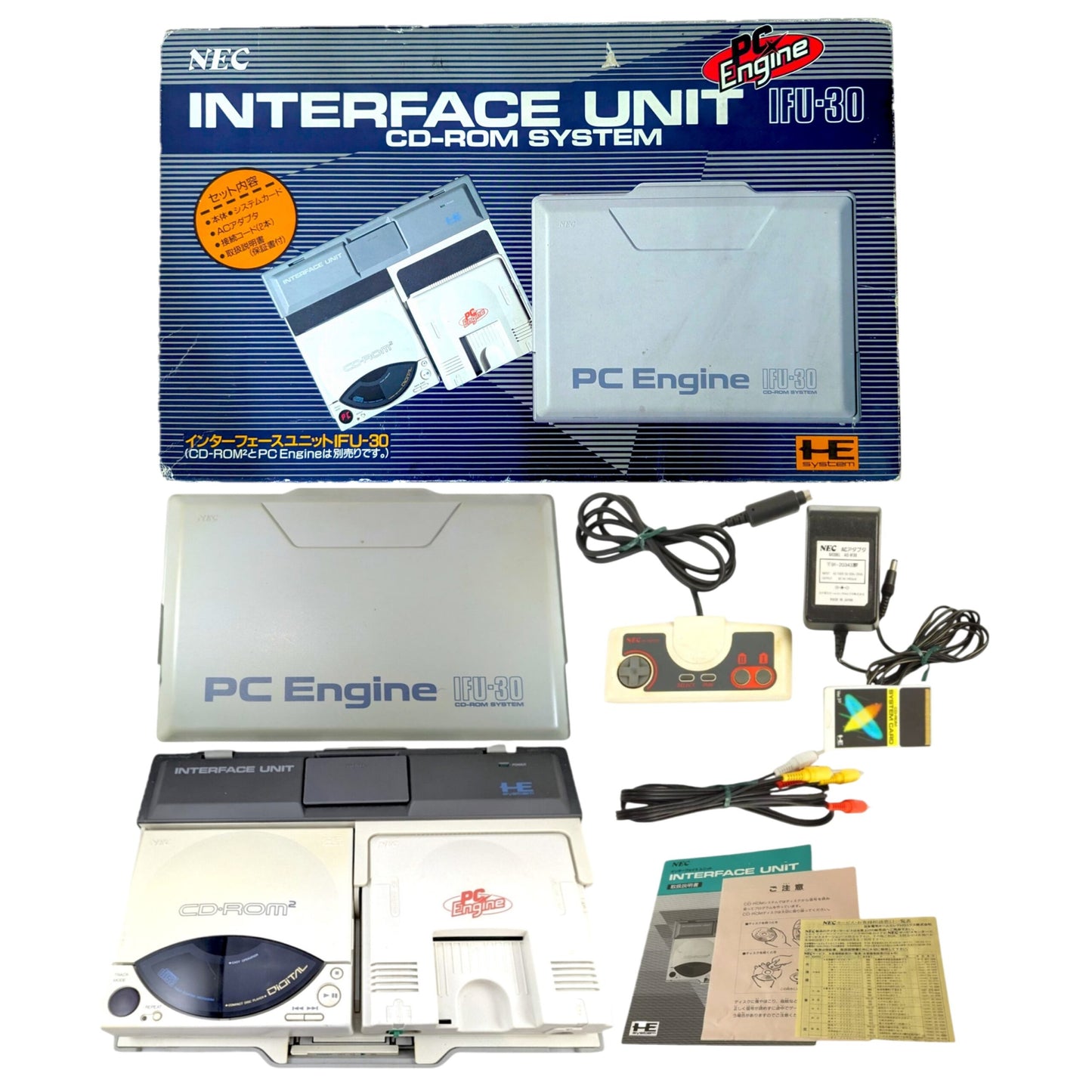
📦 INCLUIDO:
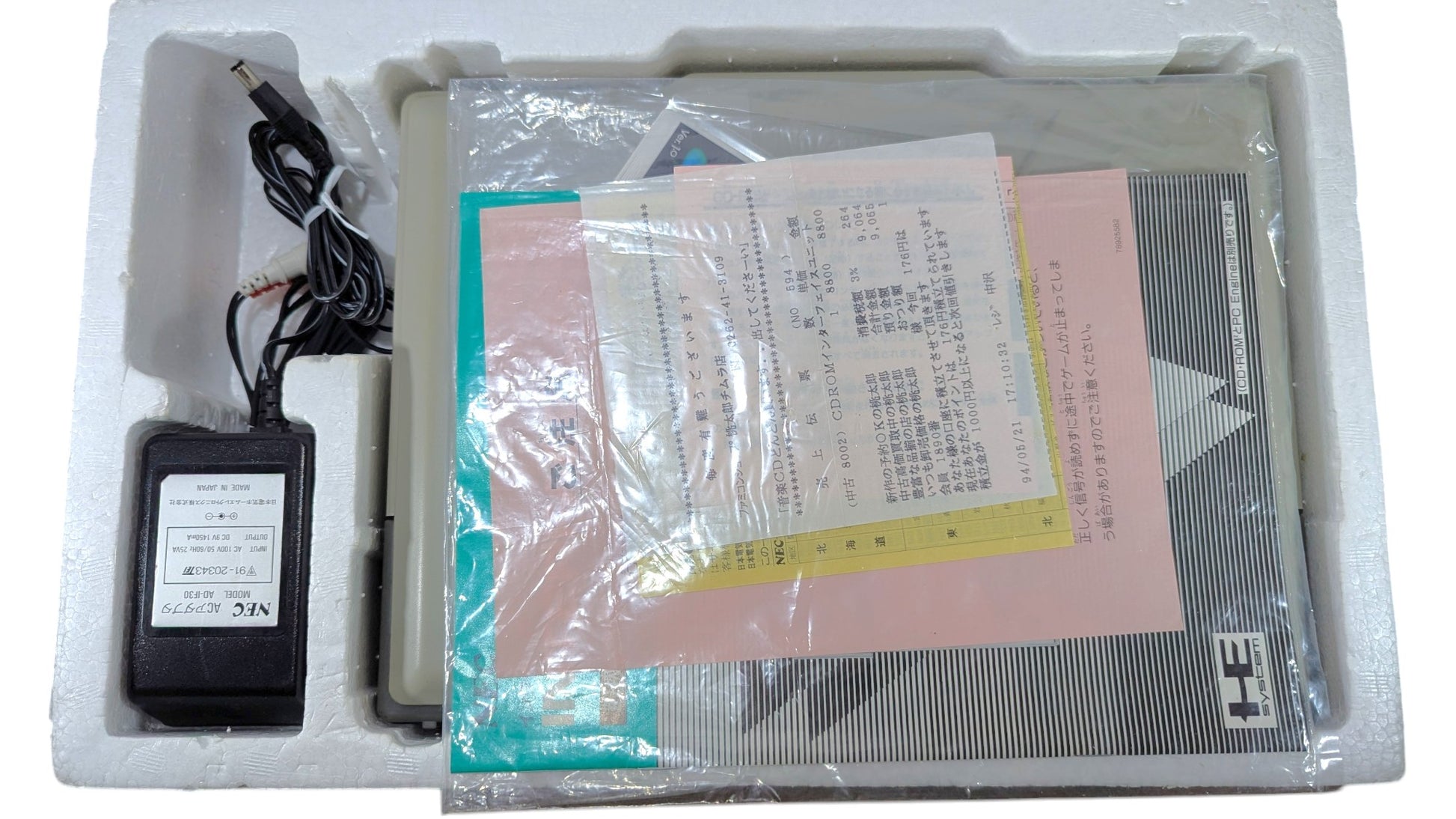
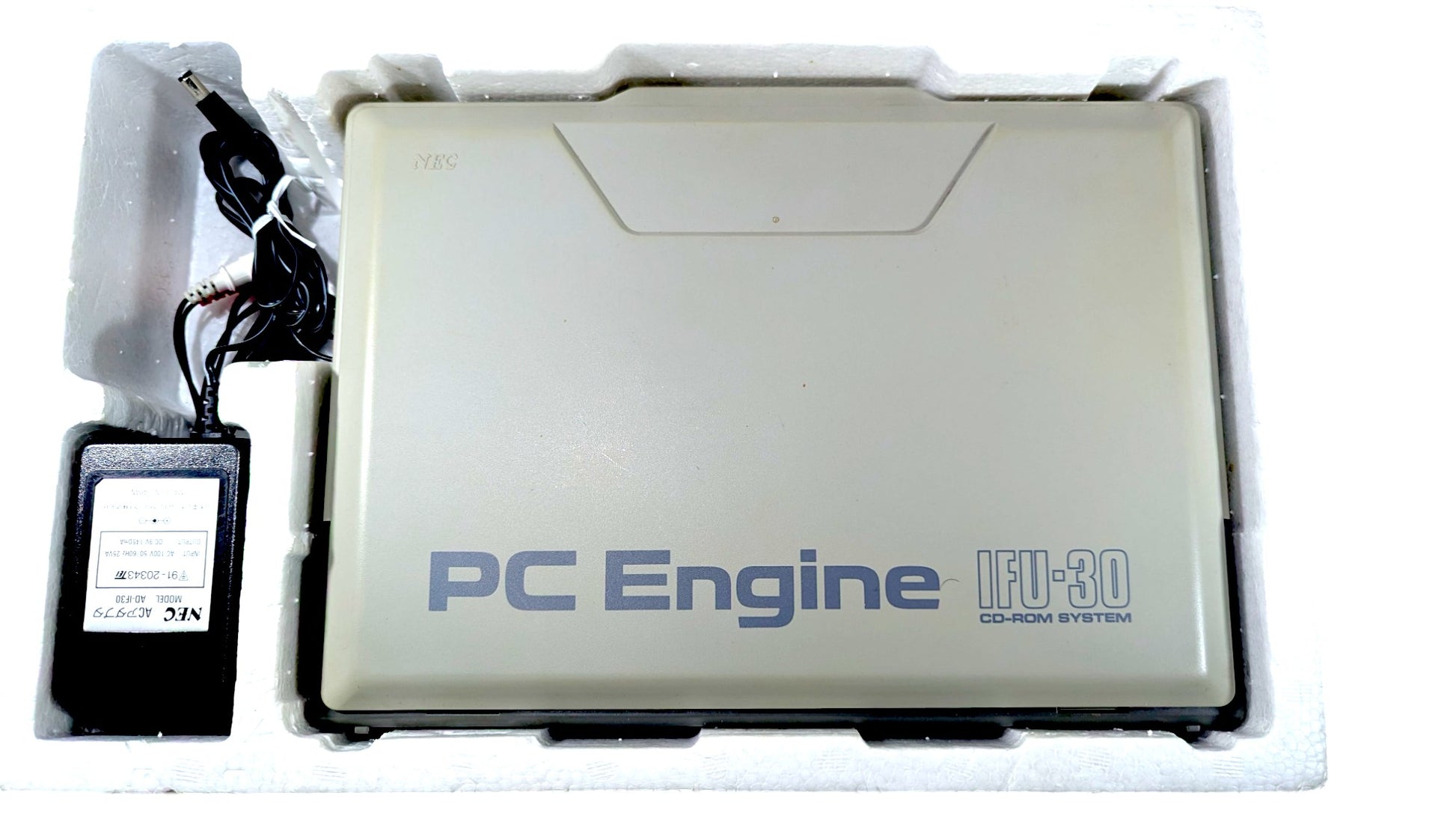
- Caja ( COINCIDENCIA SERIAL )
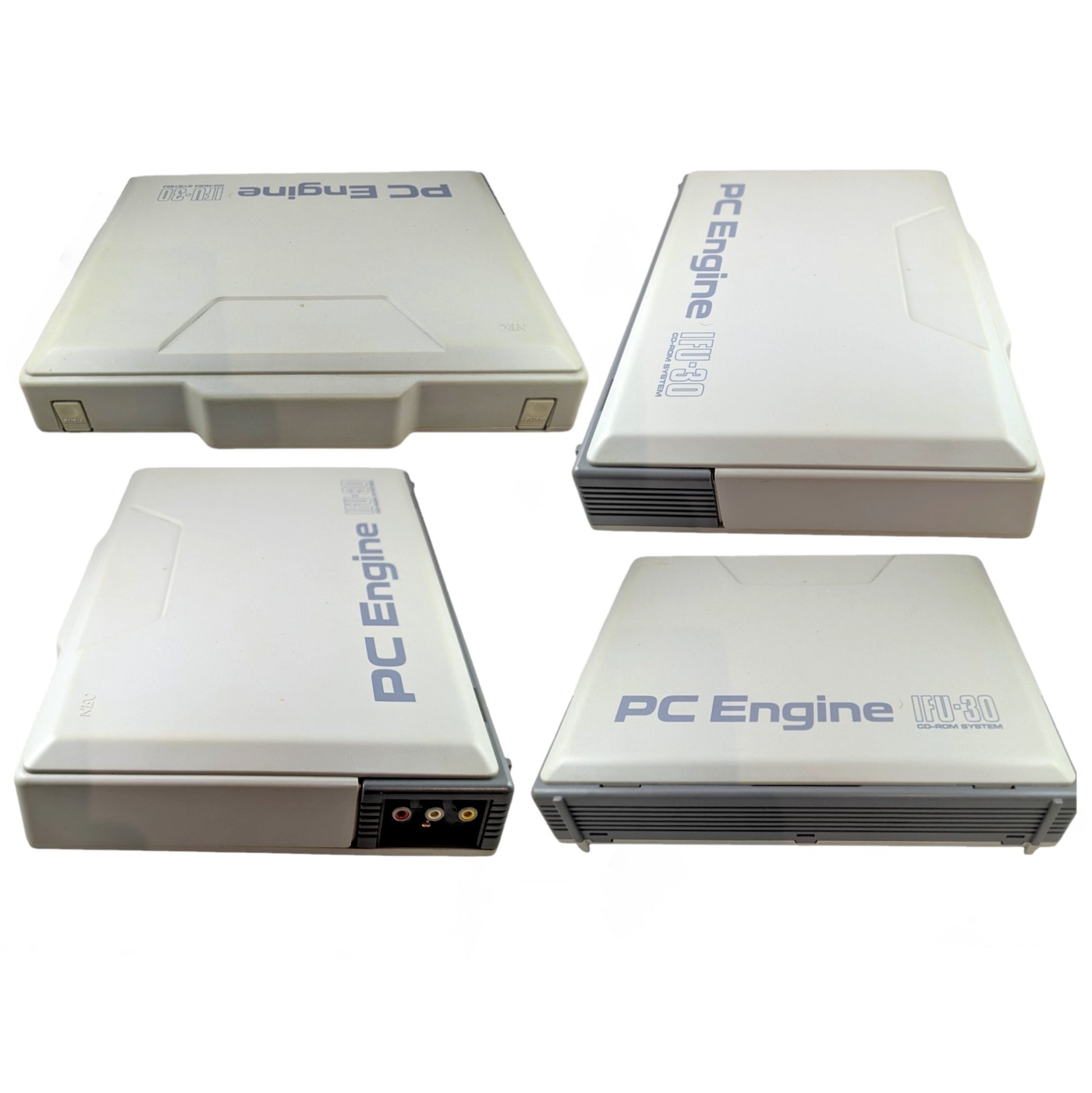
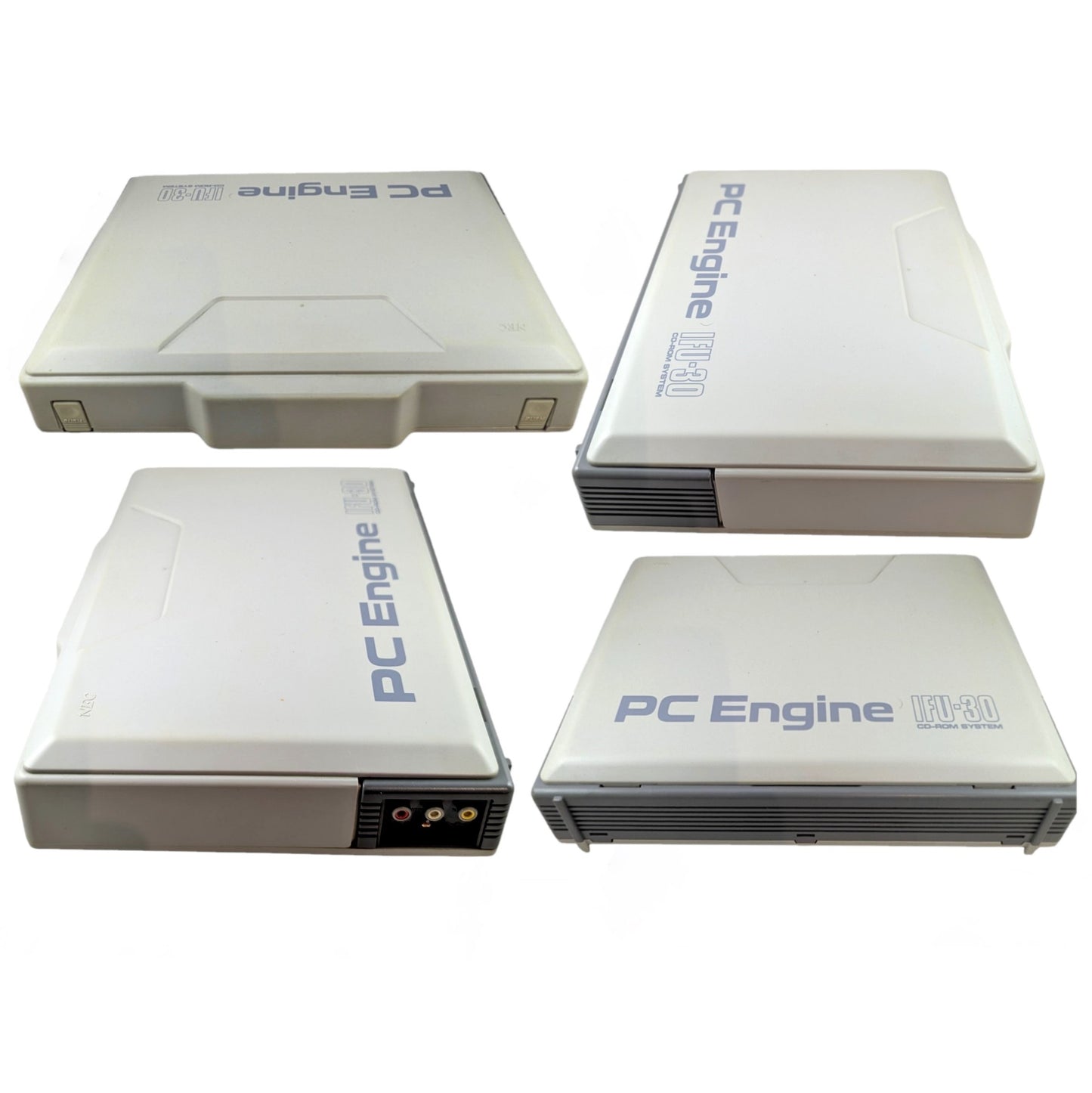
- Interfaz (IFU-30) ( PARTIDO EN SERIE )
- Sistema de CD-ROM 2 (CDR-30A) ( COINCIDENCIA DE SERIE )
- Unidad de motor PC (PI-TG001)
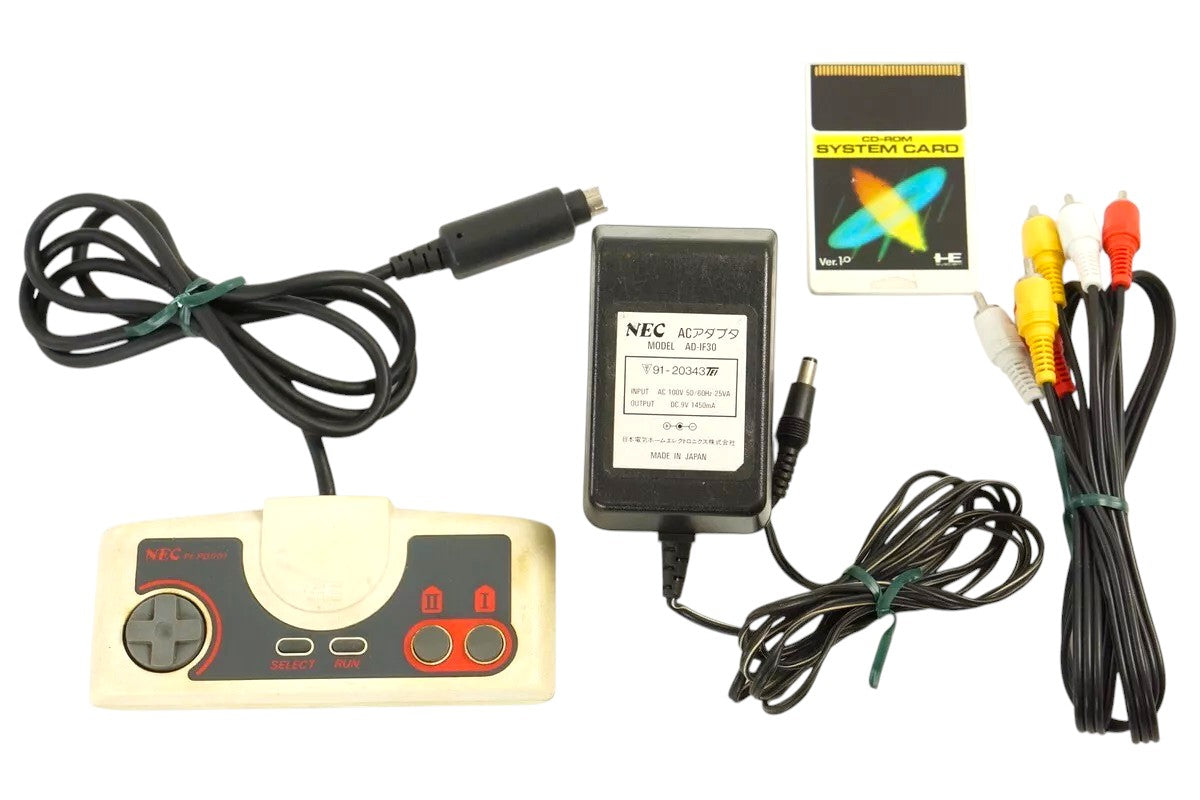
- Sistema de tarjetas V1.0
- Controlador x1
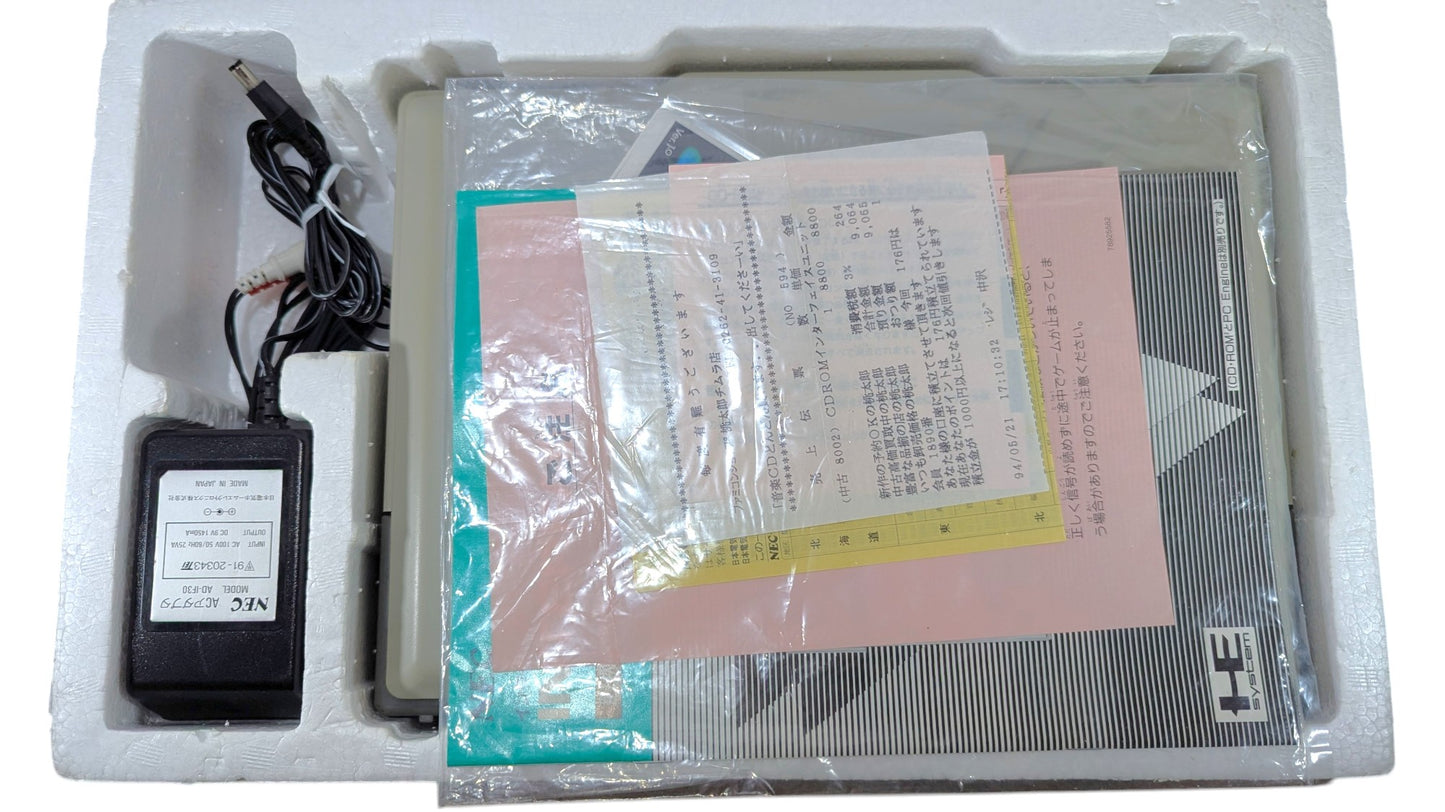
- Adaptador de CA original para interfaz IFU-30
- Cable AV RCA
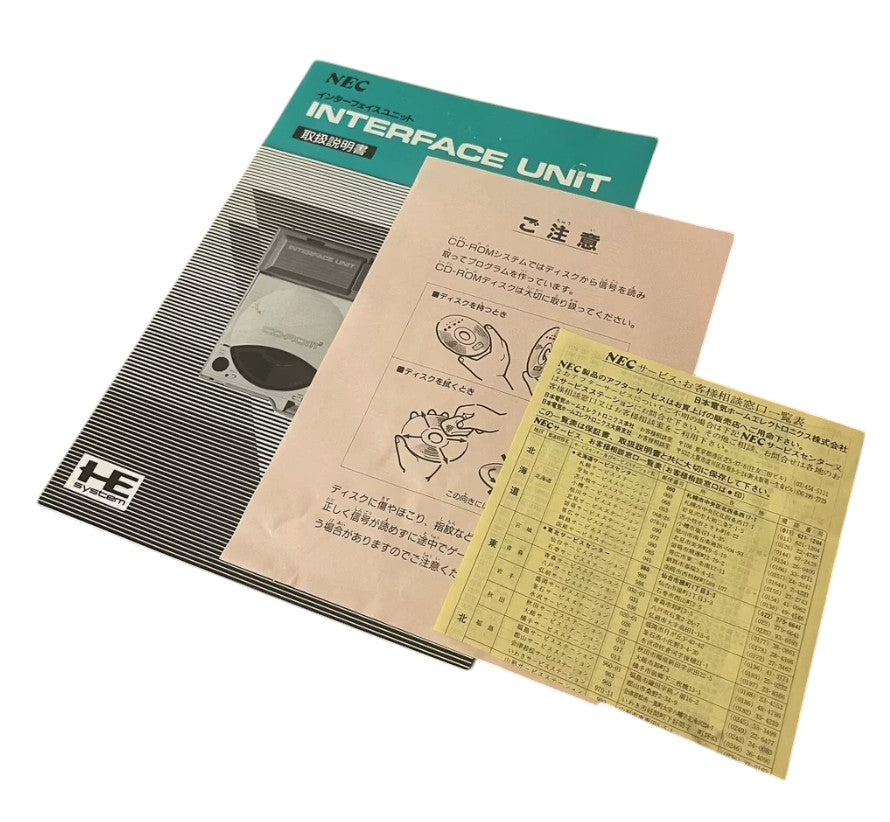
- Instrucciones ( COINCIDENCIA SERIAL )
- ✅Probado, funcionando
-
✅Buen estado
- ℹ️La unidad Interface (IFU-30) se vendió originalmente en Japón con el CDR-30 (unidad CD2). El PCE (PI-TG001) se vendía por separado.
- ℹ️ Este kit de interfaz IFU-30 incluye un CDR-30A (unidad CD2, versión posterior). Hemos añadido al kit un PCE PI-TG001 adicional y un controlador .
- ℹ️NOTA: Listo para jugar juegos de tarjetas HU y CD-ROM. Para jugar juegos de SUPER CD-ROM y ARCADE-ROM, solo necesitará actualizar el sistema de tarjetas V1.0 que viene originalmente con el IFU30.
- 🔎Generalmente, presenta ligero desgaste, decoloración y pequeños arañazos. Nada importante.
- 🎌Unidad japonesa (NTSC-J)
⚠️ NOTA IMPORTANTE: Si conecta la unidad a una tensión distinta de 100–120 V, utilice una de las siguientes opciones:
- TRANSFORMADOR REDUCTOR con el adaptador de CA original de esta unidad de INTERFAZ
-
Adaptador universal de CA a CC con:
Entrada: 100-240 V
-Salida: cerca de 9V y 1450mA
-POLARIDAD: ⊕──C●──⊖
El uso de un adaptador incorrecto puede DAÑAR la consola.
💡 Nota informativa:
- Disponemos por separado de un transformador reductor y un adaptador de corriente alterna europeo ajustable compatible con esta unidad.
📩 Si tiene alguna pregunta , POR FAVOR CONTÁCTENOS e intentaremos ayudarle.
Compartir

- Al seleccionar una opción, se actualiza toda la página.
- Se abre en una nueva ventana.
PayPal Pay Later Messaging
Step 1: Choose message placement
Click the button below and then hover over your page to select a placement.
Step 2: Paste and save
You have copied the placement for the Product Page.
Go back to the App Embeds section, and in the Paypal Advanced Settings, paste the copied value into the Product Page field and click the 'Save' button in the top right corner.