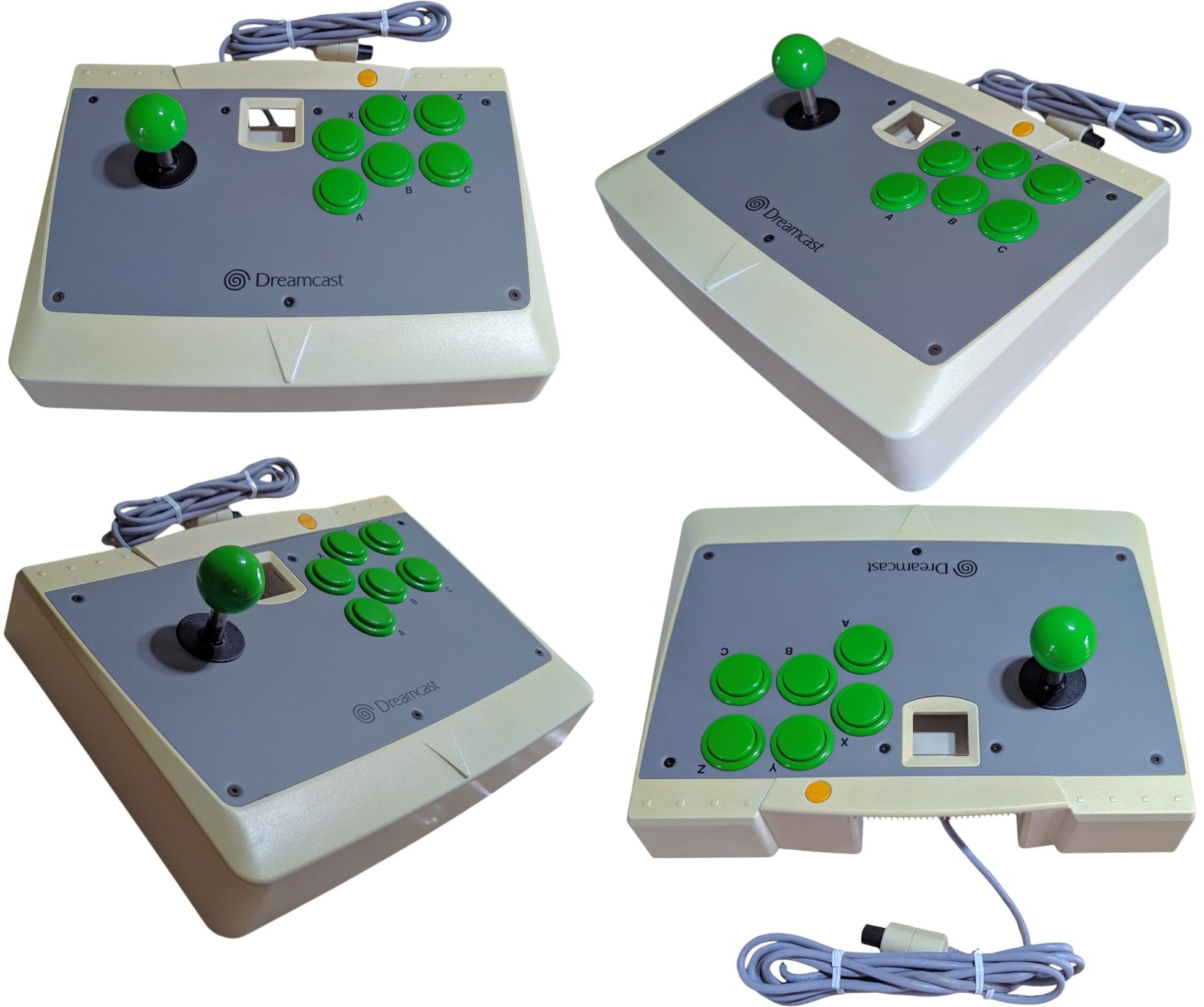
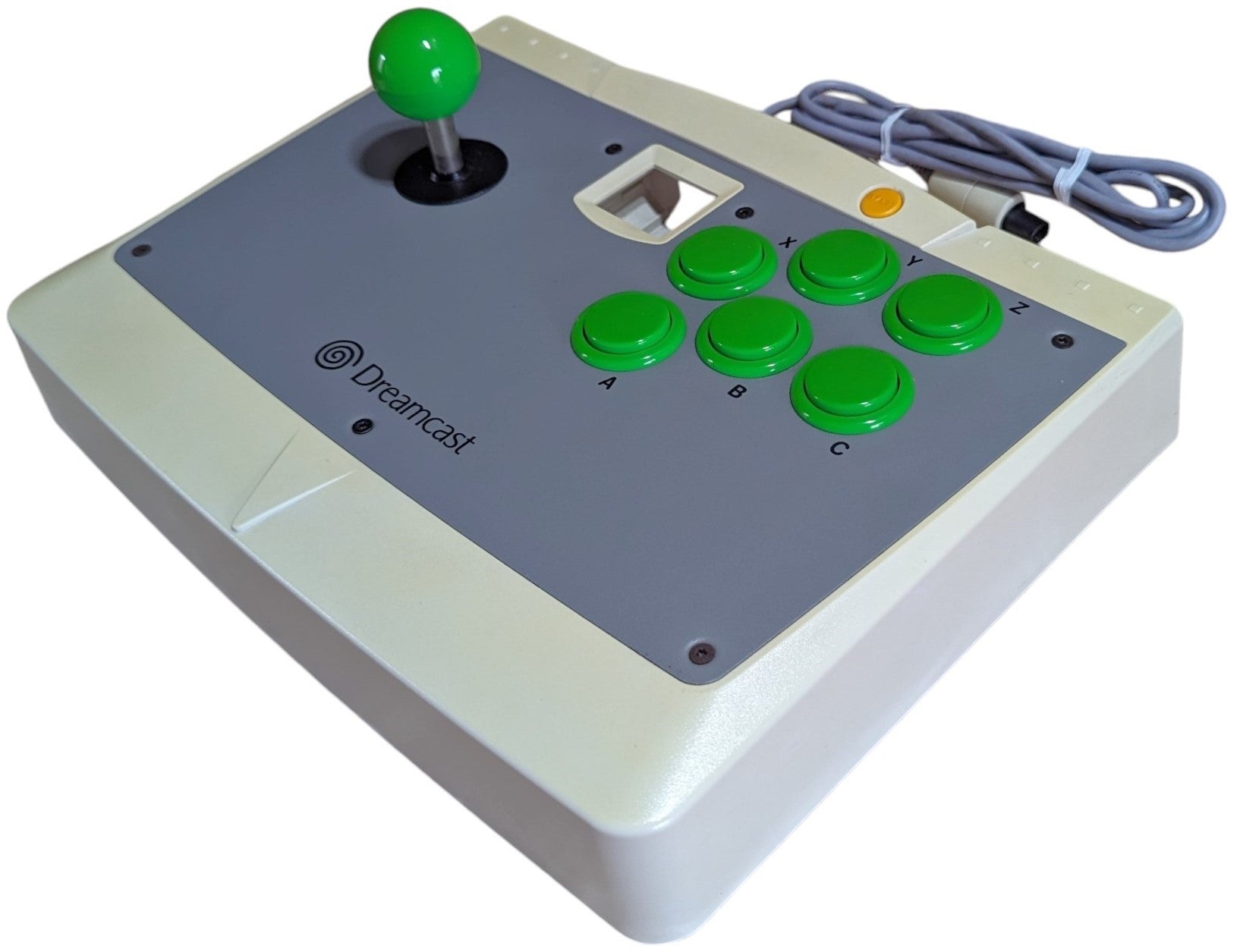
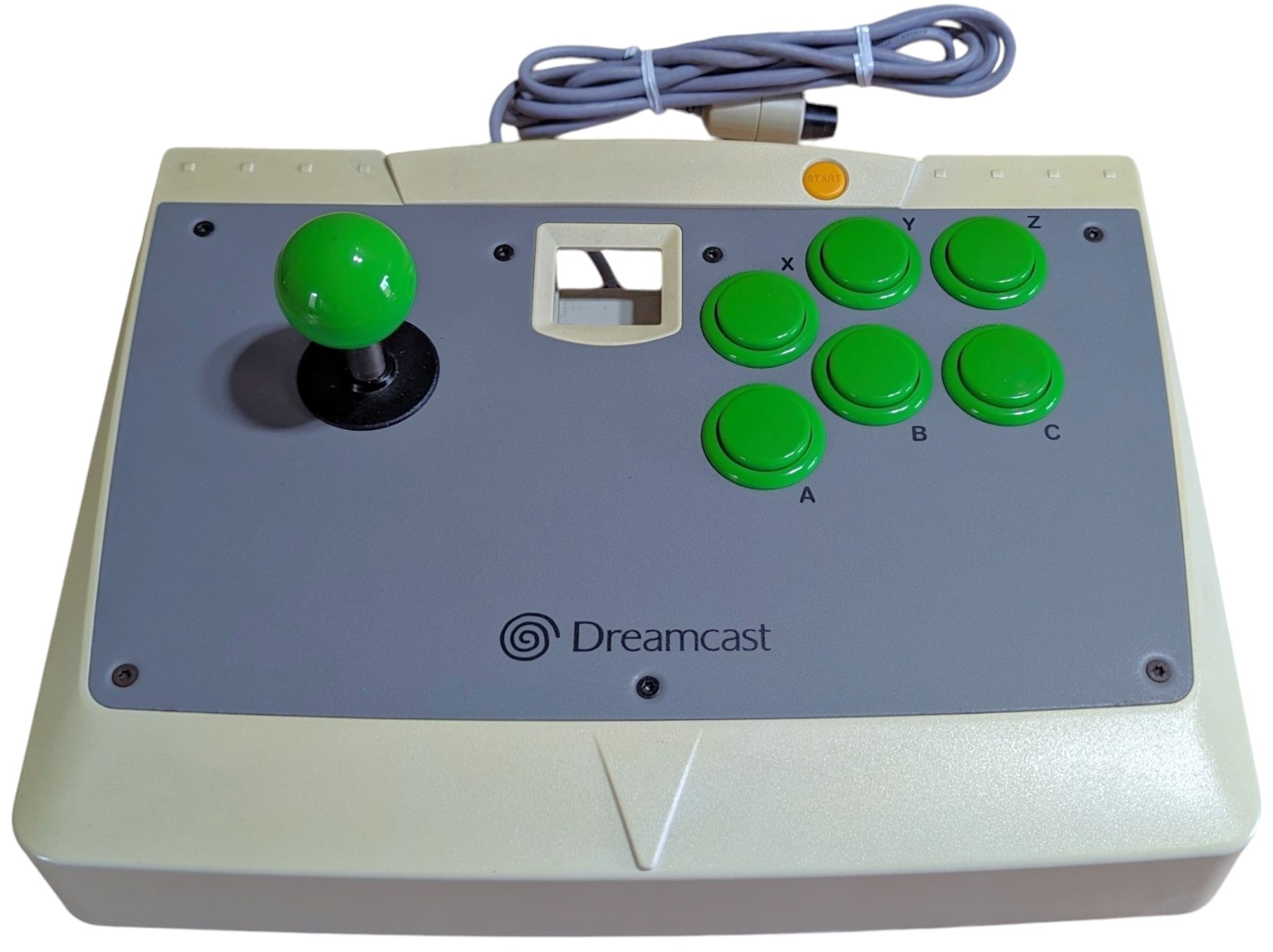
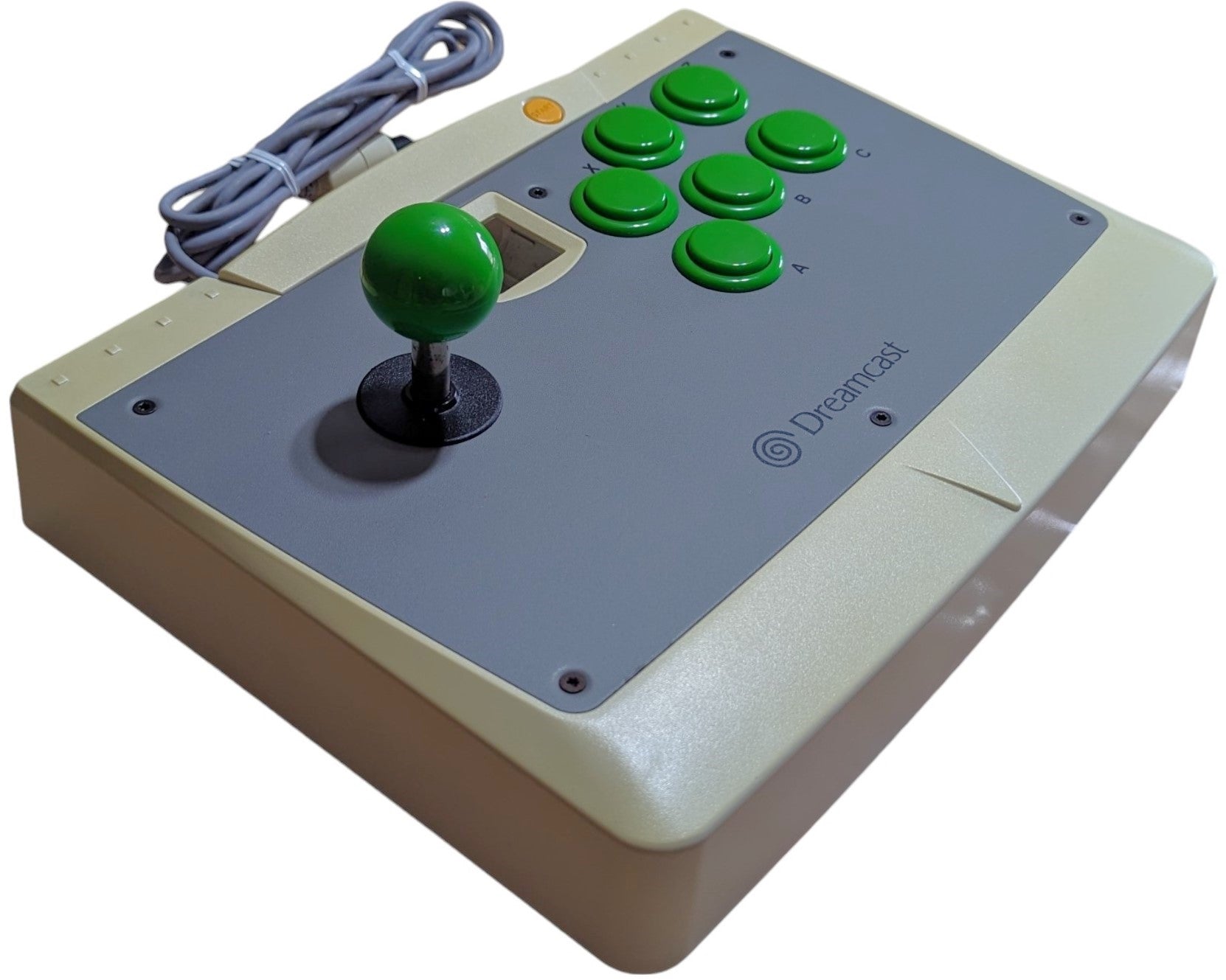
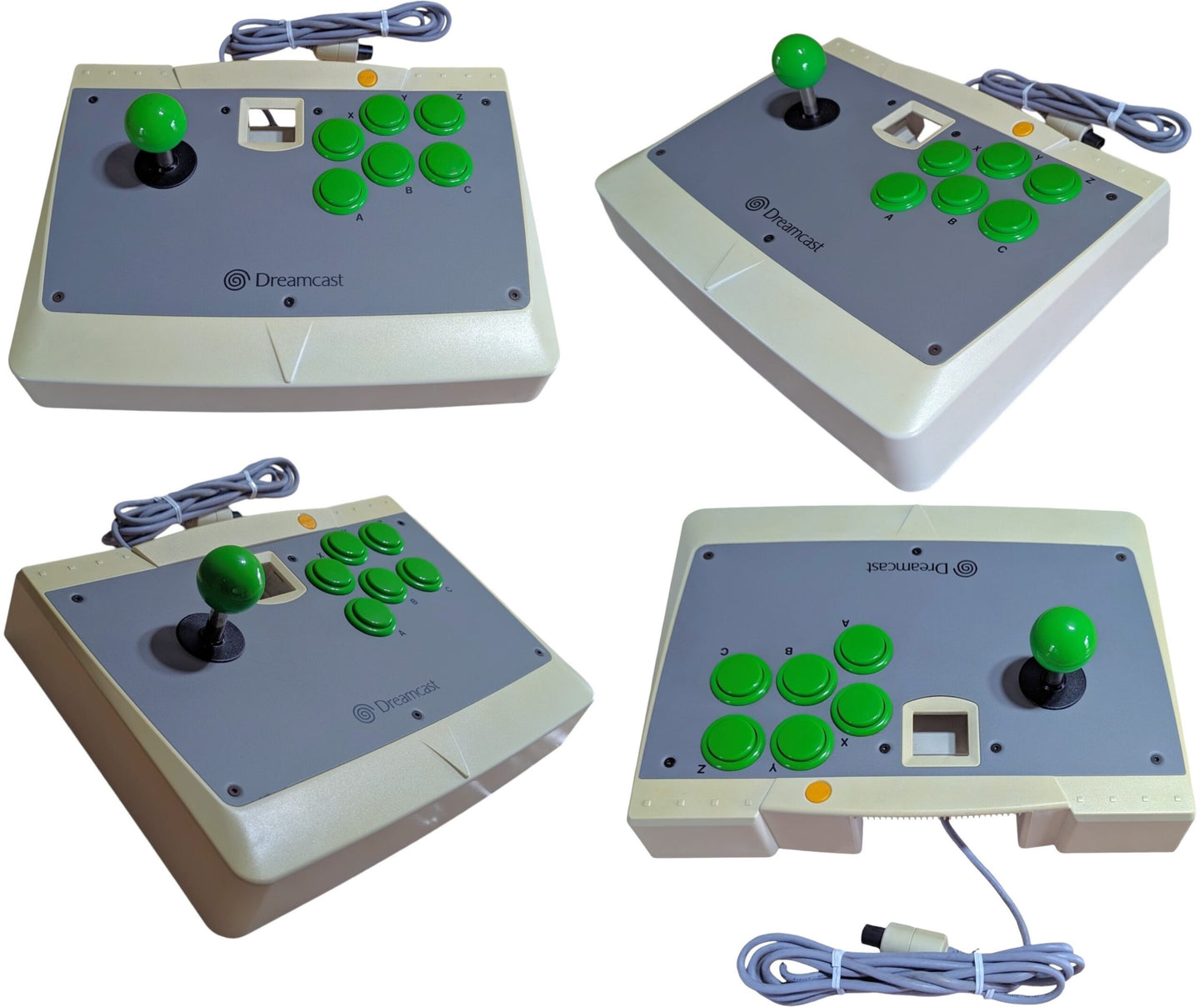
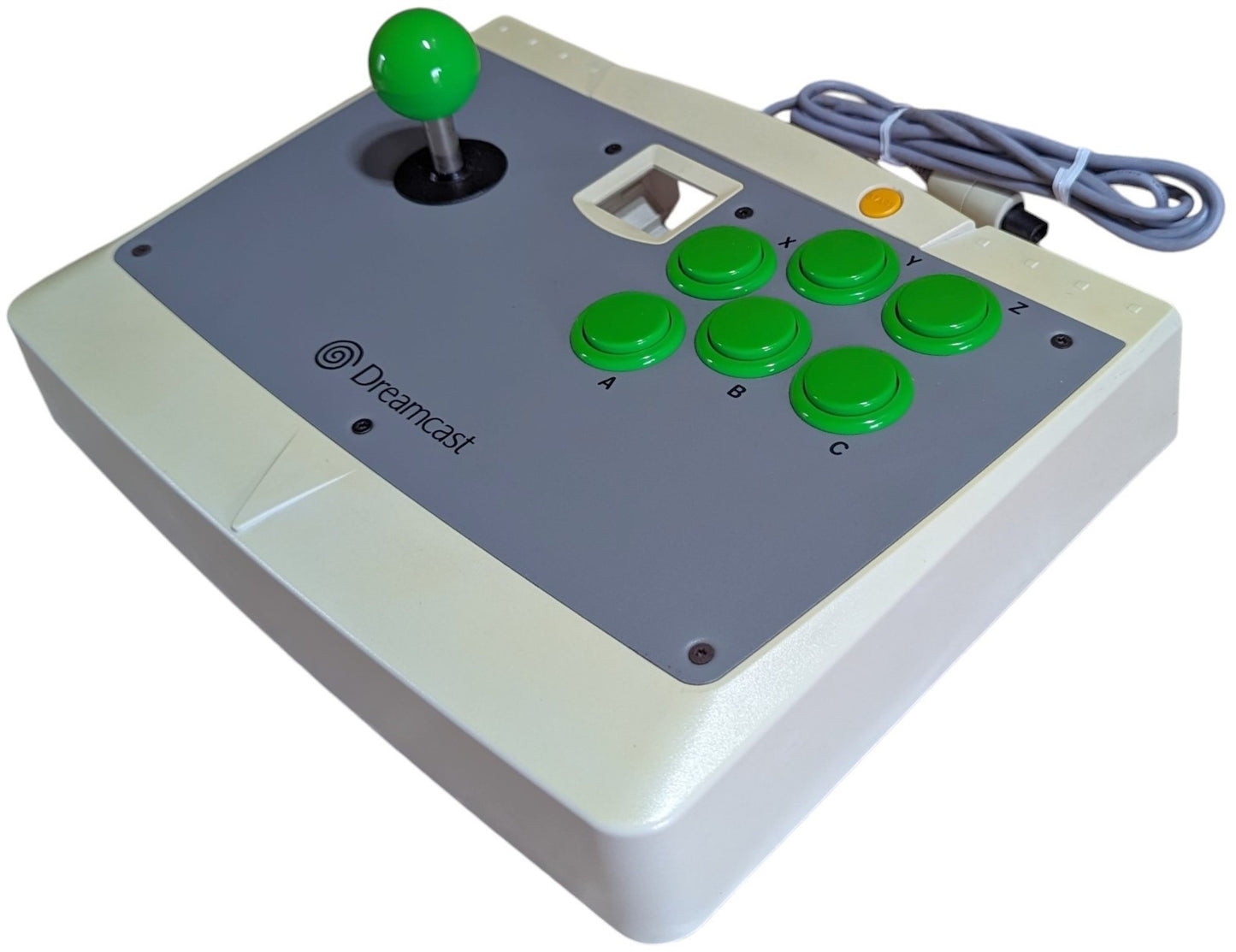
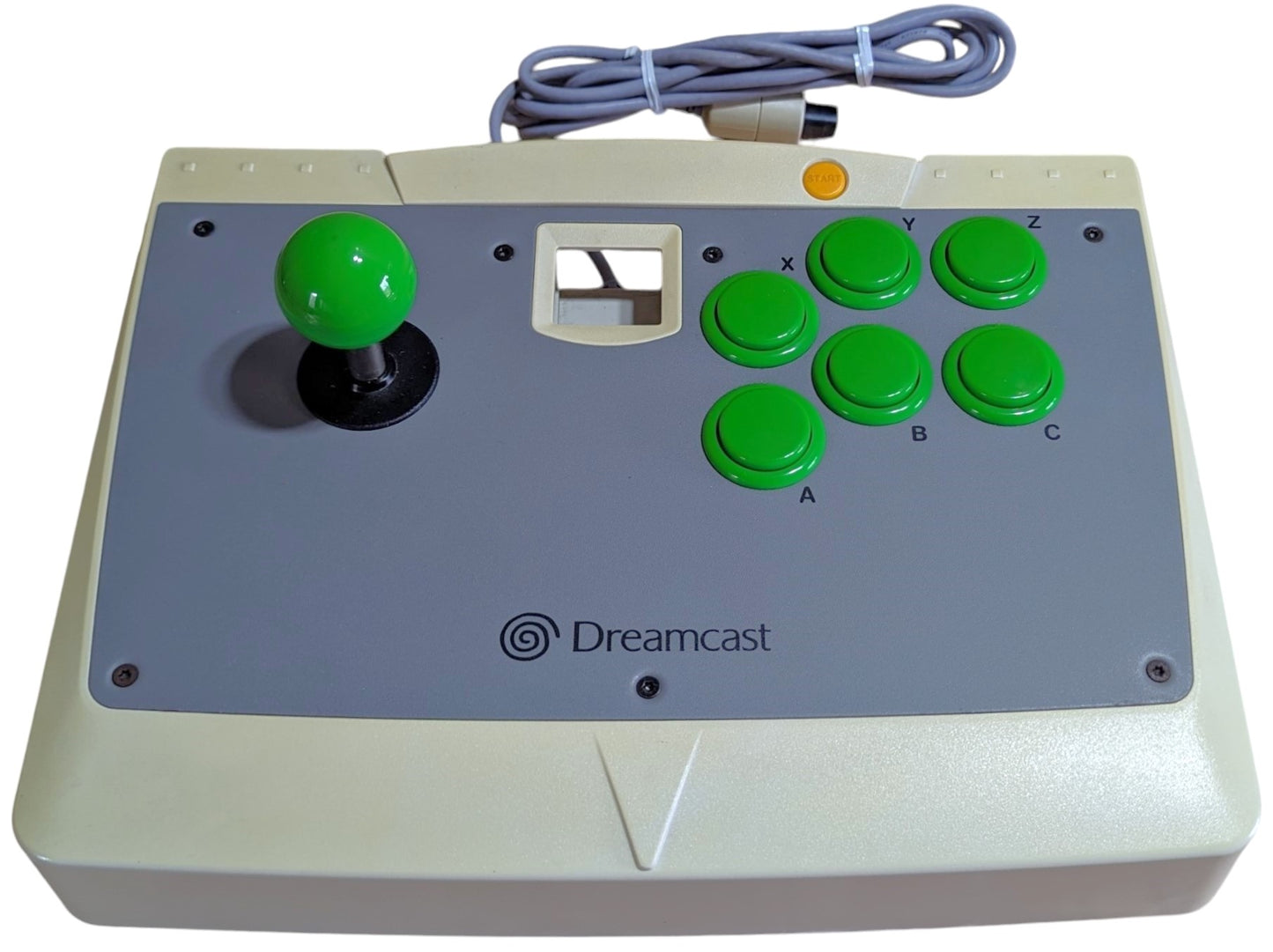
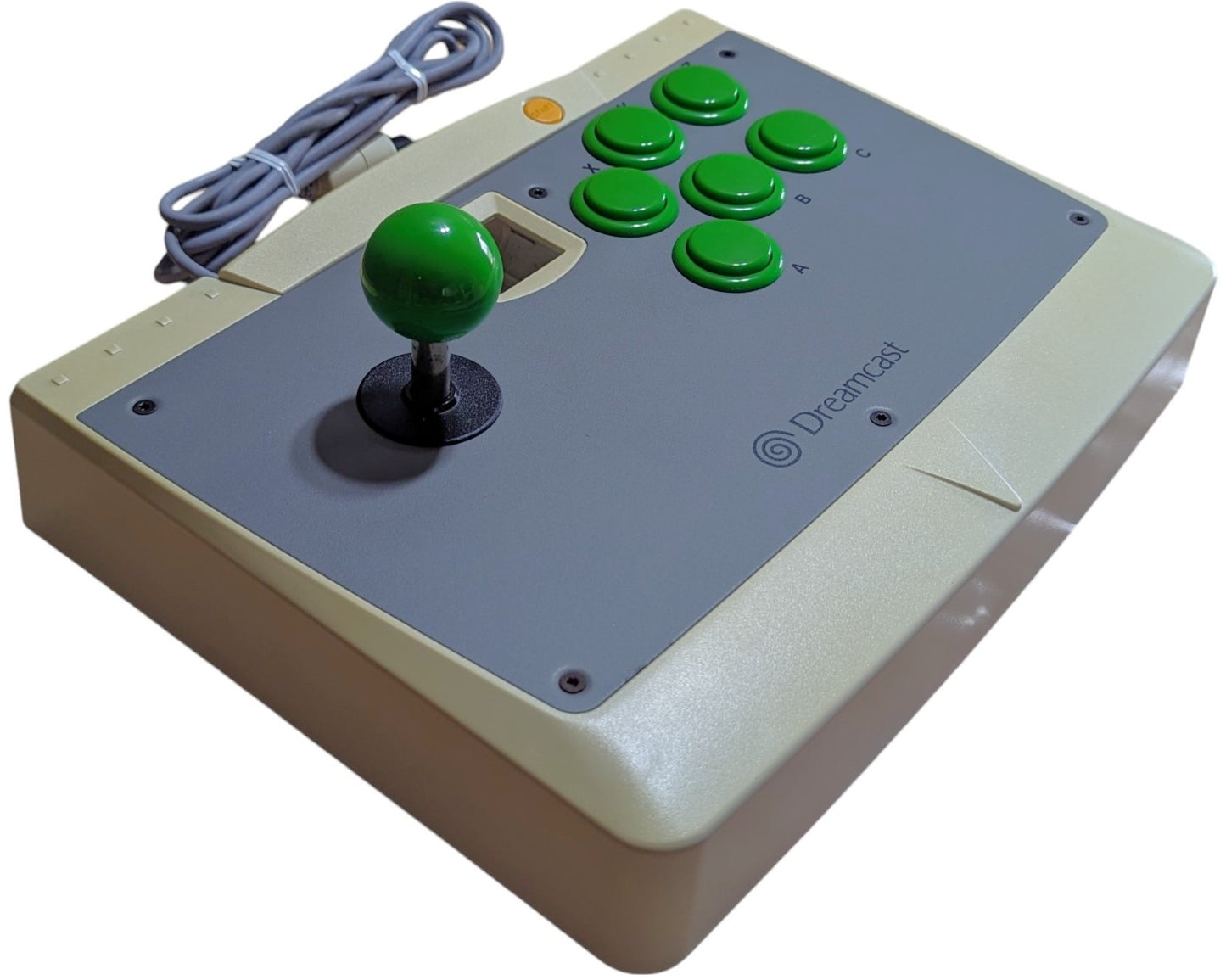
DC- DREAMCAST Arcade Stick HKT 7300 - SINGLE CONTROLLER NO Outer BOX (Sega Dreamcast Japan NTSC-J) [Accessory Unit Only]
The DREAMCAST Arcade Stick HKT 7300 - SINGLE CONTROLLER NO Outer BOX is an authentic retro gaming accessory for the Sega Dreamcast, offering precision engineering and authentic tactile response for vintage video game enthusiasts and collectors. Crafted in Japan to strict manufacturing standards.
🎯 What is this accessory used for? (Functionality & Compatibility Guide)
🕹️ Authentic Sega Arcade & Racing Experience: The Arcade Stick HKT-7300 features genuine Japanese arcade microswitches for uncompromising precision in Marvel vs. Capcom 2 and Virtua Fighter 3tb. The Steering Wheel HKT-7400 delivers realistic analog steering with paddle shifters for Daytona USA and F355 Challenge.
🔌 Compatibility & Performance: Specifically engineered to guarantee zero input lag and seamless communication with authentic Sega Dreamcast original hardware.
✨ Condition & Included Items (Accessory Unit Only)
✅ Main Hardware Unit: DREAMCAST Arcade Stick HKT 7300 - SINGLE CONTROLLER NO Outer BOX (Tested & 100% Functional).
✅ Cosmetic & Working State: Clean original housing, responsive buttons/switches, and sanitized Japanese OEM connectors.
✅ Connection Cord: Integrated cable in excellent condition with solid strain relief.
📋 Technical Specifications & Compatibility
Product Category
Video Game Accessory / Peripheral
Hardware Model
HKT-7300
Compatible Platform(s)
Sega Dreamcast
Connection Interface
Sega Dreamcast Controller Port
Manufacturer / Brand
Sega Enterprises, Ltd.
Catalog SKU
ACC-DC-DREAMCASTA
Country of Origin
Japan (JP)
📦 Packaging & Shipping (Dispatched from Europe - No Customs Fees!)
🇪🇺 Dispatched directly from Europe (Spain): No customs duties, import taxes, or unexpected DUA clearance delays for European Union buyers!
🛡️ Collector Packaging: Double-boxed with high-density protective bubble wrap to preserve the accessory and internal components in transit.
Step 1: Choose message placement
Click the button below and then hover over your page to select a placement.
Step 2: Paste and save
You have copied the placement for the Product Page.
Go back to the App Embeds section, and in the Paypal Advanced Settings, paste the copied value into the
Product Page field and click the 'Save' button in the top right corner.